HeyStar · How It Works
How to Fix a Blurry Photo with AI
HeyStar turns a blurry, noisy, or low-resolution image into a sharp, clean, higher-resolution photo in three steps — no editing skills required.
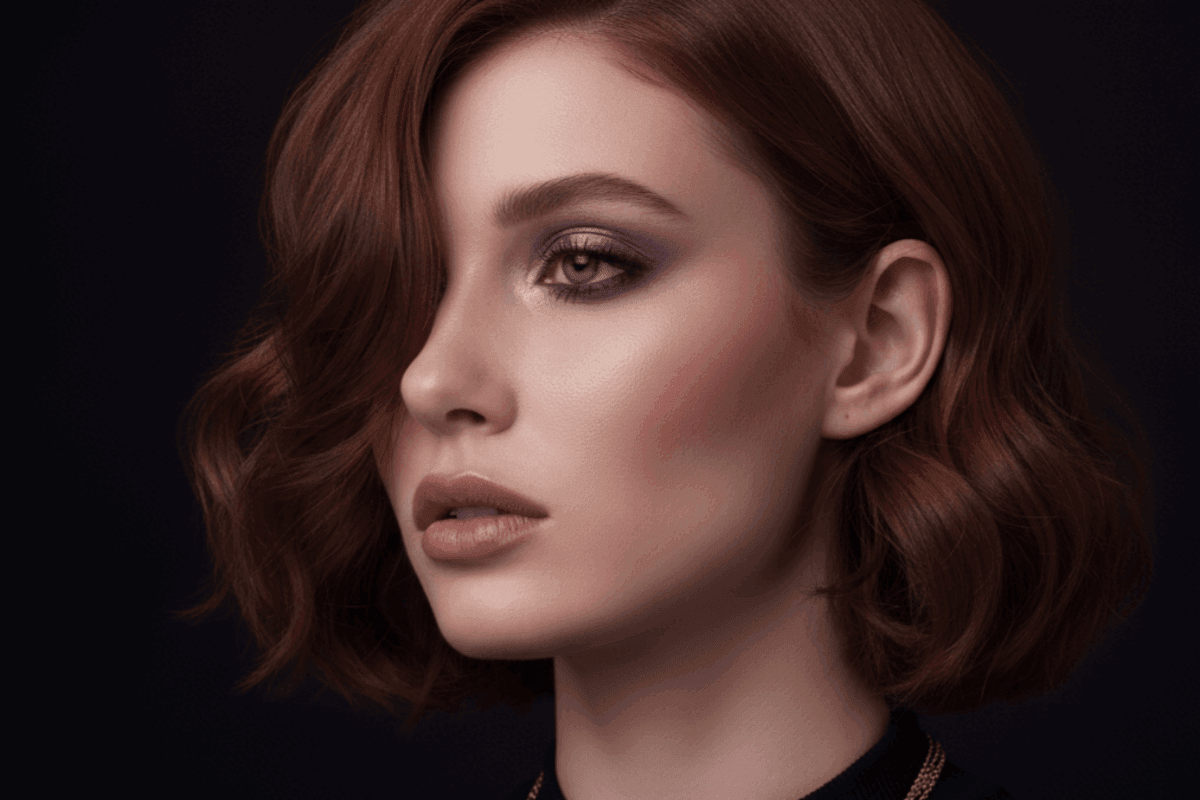
Example result from HeyStar AI enhancement
1
Upload your photo
Drag or select any JPG, PNG, or WEBP image. Use the highest-quality original you have — the AI recovers detail but cannot invent what was never captured.
2
Let the AI enhance it
HeyStar automatically deblurs, denoises, restores, and upscales (2x) in one pass. No sliders, no manual retouching — the model decides the best corrections.
3
Download the result
In seconds you get a sharper, cleaner, higher-resolution photo ready to save and share. That's it.
What the AI actually does
- Deblur — detects and reverses motion blur and focus blur to recover lost edges.
- Super-resolution — reconstructs detail when upscaling to 2x so images stay crisp, not pixelated.
- Denoise — separates real texture from sensor noise in low-light and high-ISO shots.
- Face & portrait restoration — refines eyes, skin, and features for natural-looking portraits.
- Old-photo repair — reduces scratches, fade, and yellowing on aged photographs.
Because HeyStar is fully online, there is nothing to install. Open the home page, enhance, and download from any device.